
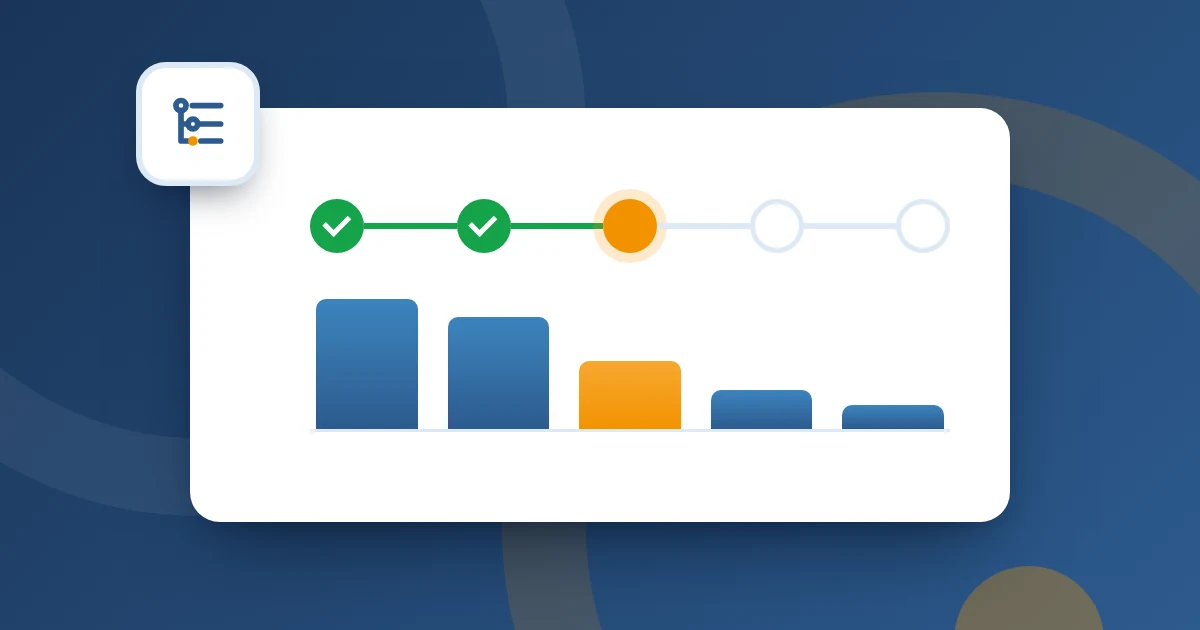
You wrote a lesson plan, opened the room and thirty learners went through it. Which part held them up? Did the question in activity 3 do its job? The new Tracing pages answer from what happened in the room.
Three levels
You start at the overview and go deeper by clicking a row.
| Level | What it shows |
|---|---|
| Overview | All the AI services of the space: rooms, the quiz coach, the forum Mentor |
| Room | How many sessions reached each part, and the results per activity |
| Session | One learner's session, step by step |
At the top you choose the period, from the last 7 days to the last year.
What a session tells you
At the session level you see each step: the result of the activity and the coach's decision to move on or to stay. A "Technical details" switch adds the patterns, the sources, the model and the tokens of each reply.
Learners appear by code
Tracing is for improving the lesson, not for watching people. Instructors see usage and progress per learner by a code, not by name, and they do not see the texts of the chats.
Where to find it
In the "AI Services" of the space, in edit view, the "Tracing" tab.
If many sessions stop at the same part, look at that part of the plan first.