
Someone who finds a programme in your catalogue wants to know three things before signing up: what it is, who it is for and how it is organised. Until now the catalogue showed a title and a short text. From this month each programme can carry a full description.
What the reader sees
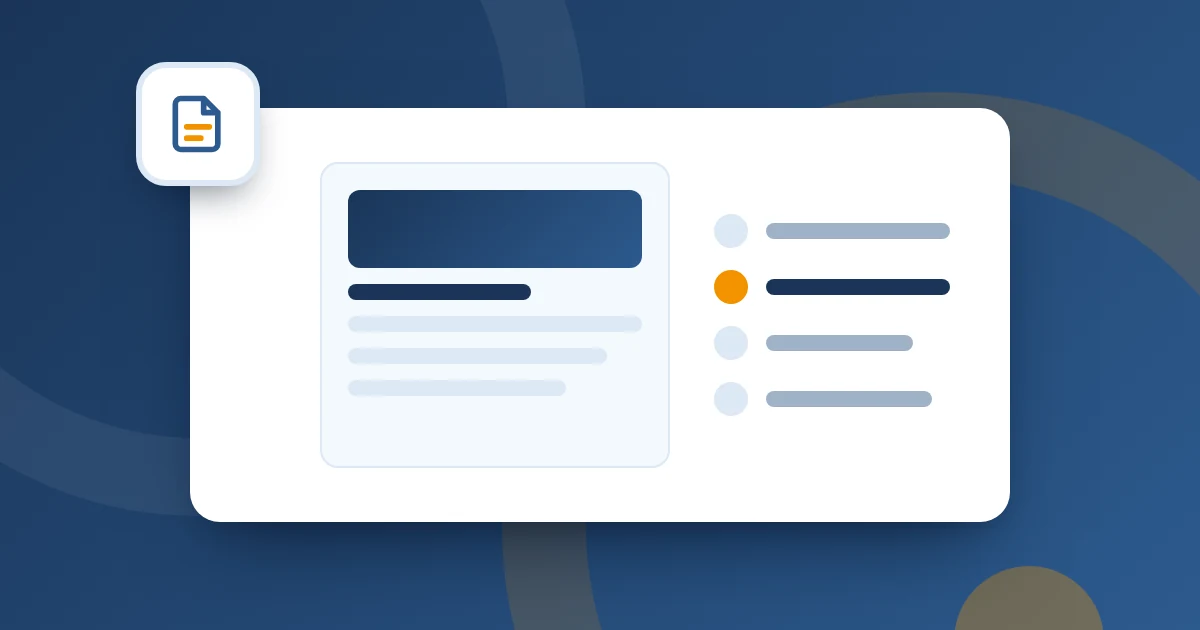
In "Programs", a programme with a published description shows a card with its opening lines and a "Read more" link. The description opens on its own page. Visitors can read it without an account.
Three ways to present it
The site administrator chooses one per programme:
- Description only: the short text of the programme form, as before.
- HTML pages: a title and a text per page, with "Previous" and "Next" and a list of the pages.
- A PDF file: shown inside the page, with a link to download it.
Where to find it
In the site management, open "Programs" and click "Program information" on the programme. If you have the right to edit, the reader's page also has an edit link, so you can correct a text at the moment you notice it.
A good description is short. Say who the programme is for, how long it takes and what the learner holds at the end.